Your AI system is only as fast as the network that feeds it. A single workstation, a small cluster and a rack attached to shared storage move data in very different ways. The right design starts with your compute interfaces, your workload and how far you plan to grow.
MikroTik's high-speed switches and CCR routers give Canadian businesses, AI developers and advanced home labs a practical foundation. MikroTik Canada helps you choose the switches, routers and cables that fit the job.
Plan Your AI Network See the components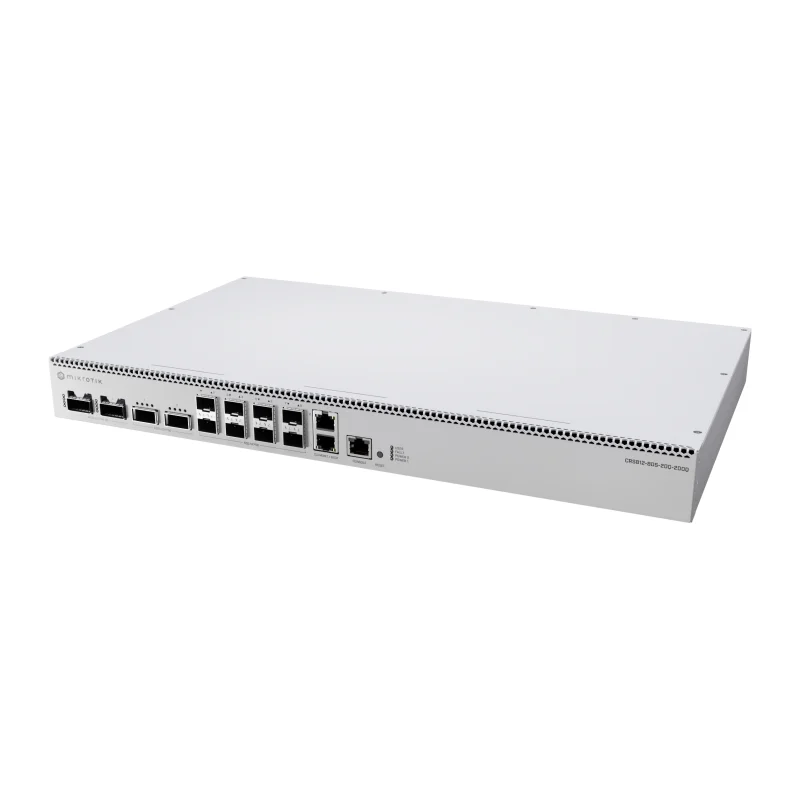
Why the network matters for AI work
When a model fits on one machine, the network mostly delivers datasets and results. As soon as work is split, the network becomes part of the computer. Distributed training exchanges model updates between nodes on every step, and inference clusters may shard a large model across several systems. Shared storage must keep every node supplied with data.
In those designs three things matter:
- Bandwidth: how much data each link can carry.
- Latency: how long each exchange takes.
- Congestion: what happens when several nodes talk to the same destination at once.
An undersized link leaves expensive GPUs waiting. An oversized link, however, is money that could have bought compute. Not every AI project needs 400G. A developer fine-tuning on one workstation may be well served by 10G or 25G to a file server. Choose link speeds from the network cards you actually own, the traffic your workload generates and the expansion you can reasonably foresee.
Choose the network scale
Compact AI lab
Two to four systems, often in one rack or on one bench. Many labs start with a direct cable between two nodes. Add a switch when a third node, shared storage or a second user arrives.
Typical fit: 100G switching such as the CRS504, or a CRS812 when some nodes have 200G interfaces.
Growing business deployment
Several GPU servers, a storage system and users who reach the cluster over the office network. Keep the high-speed fabric separate from the routed business network.
Typical fit: CRS812 or CRS804 for the fabric, plus a CCR router for internet, firewall and VLAN routing.
Mixed-speed rack
New 200G/400G equipment next to older 25G, 50G or 100G servers. The value is in joining different speeds cleanly without buying a separate switch for each.
Typical fit: CRS812 DDQ, whose 50G, 200G and 400G ports suit mixed racks, with supported breakout cabling.
The switching layer: CRS804 DDQ and CRS812 DDQ
Both switches use RouterOS v7, a Marvell 98DX7335 switch chip, a quad-core 2 GHz ARM CPU, dual hot-swap power supplies and two 1G/10G Ethernet ports for management or uplinks. They differ in port layout.
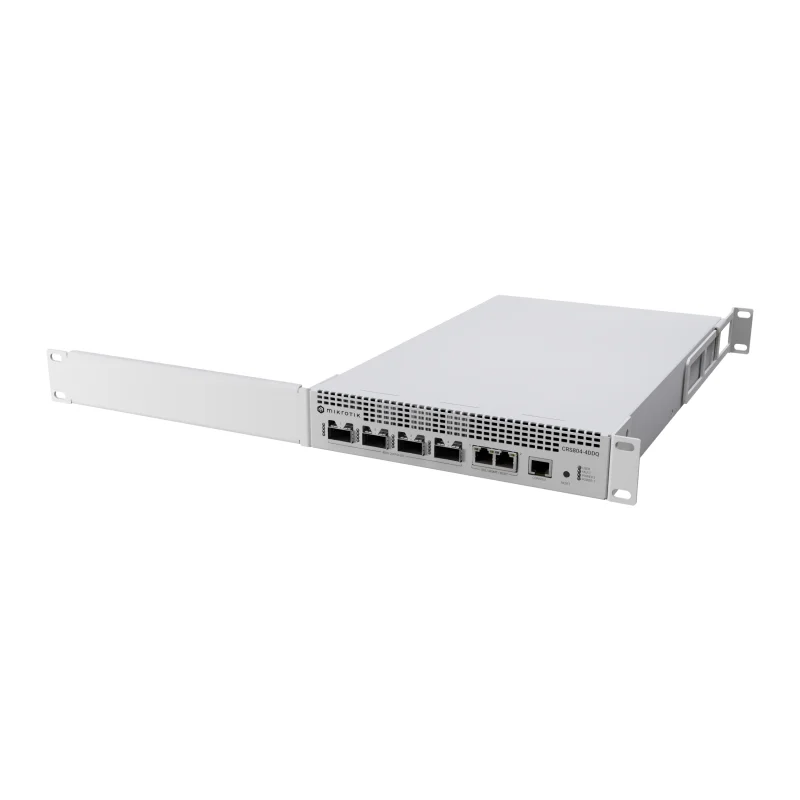
CRS804 DDQ (CRS804-4DDQ-hRM)
Role: compact high-speed fabric or aggregation.
- 4 × 400G QSFP56-DD ports and 2 × 1G/10G Ethernet ports, in 1U.
- Each 400G port is built from eight lanes. MikroTik describes use as dual 200G links or at lower speeds such as 100G or 40G, with breakout modes down to 1G–50G.
- Best when a few very fast links matter more than port count: storage uplinks, a small 200G cluster via breakout, or aggregation of other switches.
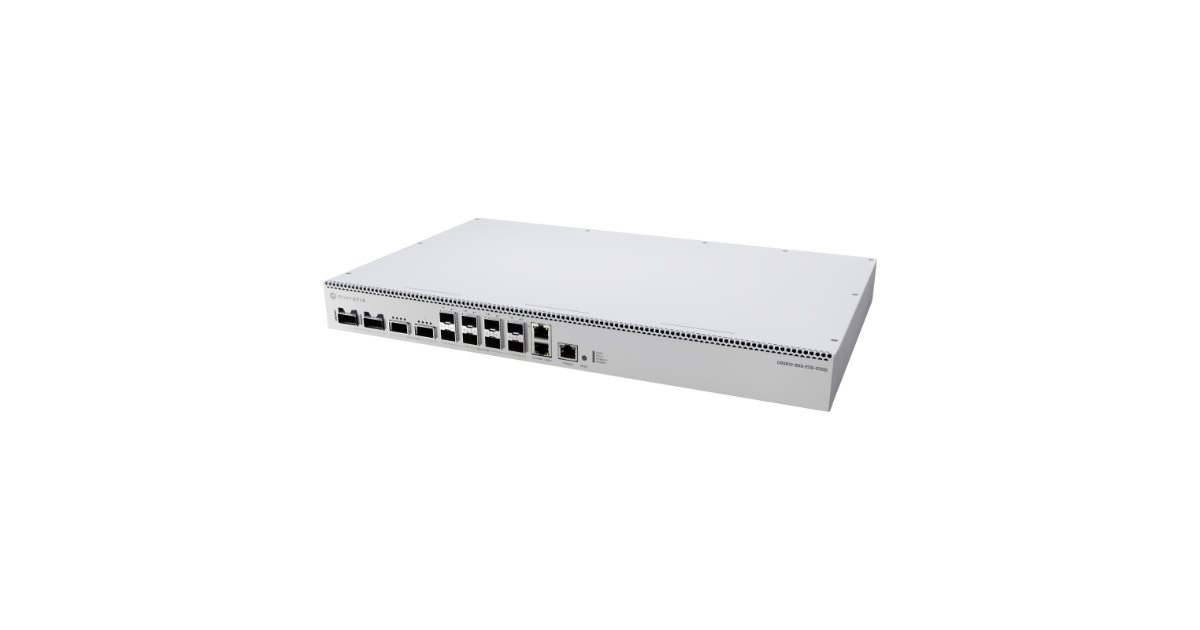
CRS812 DDQ (CRS812-8DS-2DQ-2DDQ-RM)
Role: mixed-speed connectivity.
- 8 × 50G SFP56, 2 × 200G QSFP56, 2 × 400G QSFP56-DD and 2 × 1G/10G Ethernet ports.
- QSFP56 and QSFP-DD ports also support breakout modes to 1G/2.5G/5G/10G/25G/50G.
- Best when nodes, storage and uplinks run at different speeds: 50G servers, 200G nodes and 400G storage or aggregation in one chassis.
How to choose: count your endpoints and their speeds. The CRS804 gives the most 400G capacity in the smallest space. The CRS812 trades some of that for native 50G and 200G ports, which avoids breakout cables when your equipment already uses those speeds. Neither choice replaces a review of your server interfaces, cabling and traffic.
Routing and segmentation
Keep routing aligned with its role: connecting networks, managing internet access and enforcing security policy. The AI data fabric should carry node-to-node and node-to-storage traffic at full speed. The router should handle WAN, firewall, VPN and inter-VLAN duties, as well as the management network you use to reach every device.
| Router | Interfaces (manufacturer specification) | Where it fits |
|---|---|---|
| CCR2004-1G-12S+2XS | 1 × 1G Ethernet, 12 × 10G SFP+, 2 × 25G SFP28; quad-core ARM64 | Edge and inter-VLAN routing for a lab or small office |
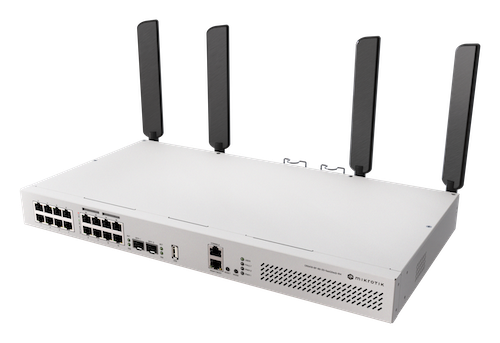
| CCR2116-12G-4S+ | 13 × 1G Ethernet, 4 × 10G SFP+; 16-core ARM64 with L3 hardware offload | Business edge with many copper segments and demanding firewall rules |
| CCR2216-1G-12XS-2XQ | 1 × 1G Ethernet, 12 × 25G SFP28, 2 × 100G QSFP28; 16-core ARM64 with L3 hardware offload | High-throughput routing between larger segments or data-centre uplinks |
Select the exact CCR model against your throughput, firewall and VPN requirements, not port speed alone.
DACs and optics: the cable is part of the design
A direct connection joins two matching ports, for example QSFP28 to QSFP28 at 100G. A breakout connection splits one high-speed port into several slower links, for example one QSFP-DD port into two 200G or several lower-speed links. For every cable, check that both ends agree on:
- Form factor: SFP28, SFP56, QSFP28, QSFP56, QSFP-DD.
- Speed, lanes and encoding: for example, NRZ or PAM4, and how many lanes each link uses.
- FEC mode: forward error correction must match on both ends.
- Supported link or breakout mode: on each device.
DAC or optics? Direct-attach copper is simple and low-cost for short in-rack runs. Optical transceivers or active cables cover longer distances and between-rack runs.
Physical fit alone does not prove compatibility. Check the switch documentation and current RouterOS version, and the network card vendor's cable list, before ordering. We can help review the full path.
MikroTik offers its own DAC and breakout products, including the 100G QSFP28 and 25G SFP28 cables below. Selected SYNOXX high-speed cables, including 400G DACs and 400G breakout cables, can complement a design where their specifications match the intended connection. See the SYNOXX options below, or ask us to confirm the right part.
Example architecture
Component checklist for this example:
- One CRS812 DDQ as the AI fabric switch.
- One CCR router sized for your internet, firewall and VPN load.
- DACs for in-rack links, and optics for anything longer.
- A compatible module or cable for the router-to-fabric uplink. The CRS812's 10G uplinks are RJ45, so the router side may need a 10G copper module or another supported link.
- Spare cables and a documented port plan.
Product selection
Switching
MikroTik CRS804 DDQ
Four 400G QSFP56-DD ports in 1U for a compact high-speed fabric, storage uplinks or aggregation.
View ProductMikroTik CRS812 DDQ
50G, 200G and 400G ports in one switch, for racks that mix server generations and speeds.
View Product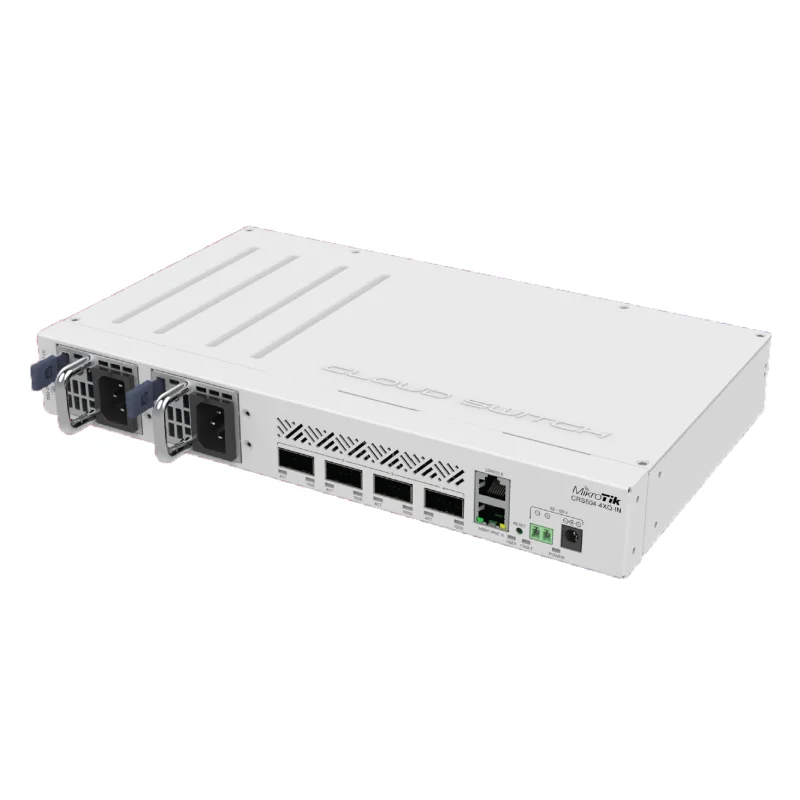
MikroTik CRS504-4XQ-IN
A compact 4 × 100G QSFP28 switch for smaller labs whose network cards run at 100G or 25G.
View ProductRouting
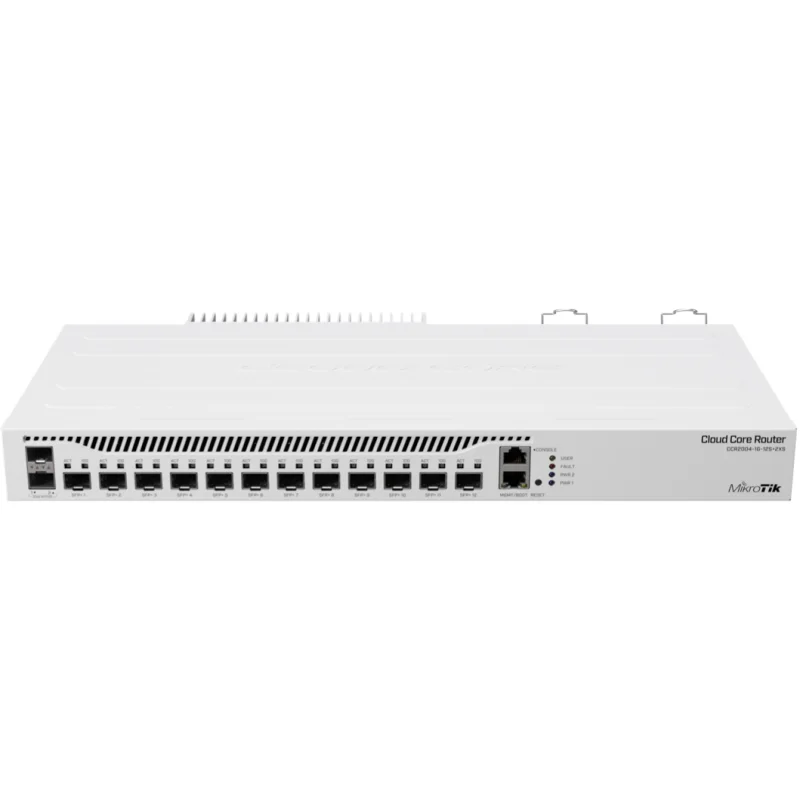
MikroTik CCR2004-1G-12S+2XS
Twelve SFP+ and two 25G SFP28 ports; a capable edge and inter-VLAN router for a lab or small office.
View Product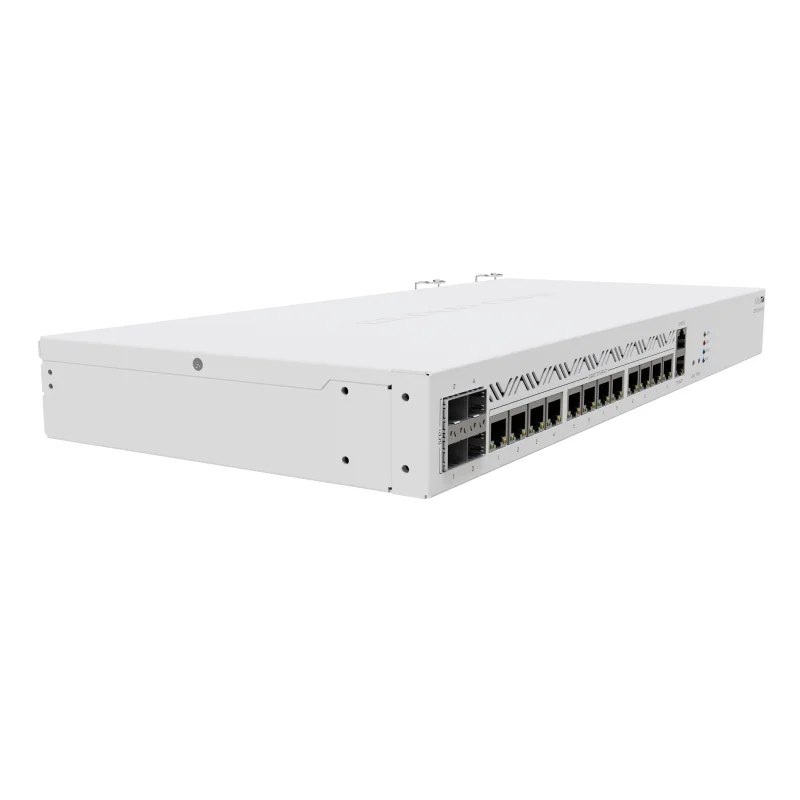
MikroTik CCR2116-12G-4S+
16-core router with many copper ports and L3 hardware offload, for busy business edges and firewalls.
View Product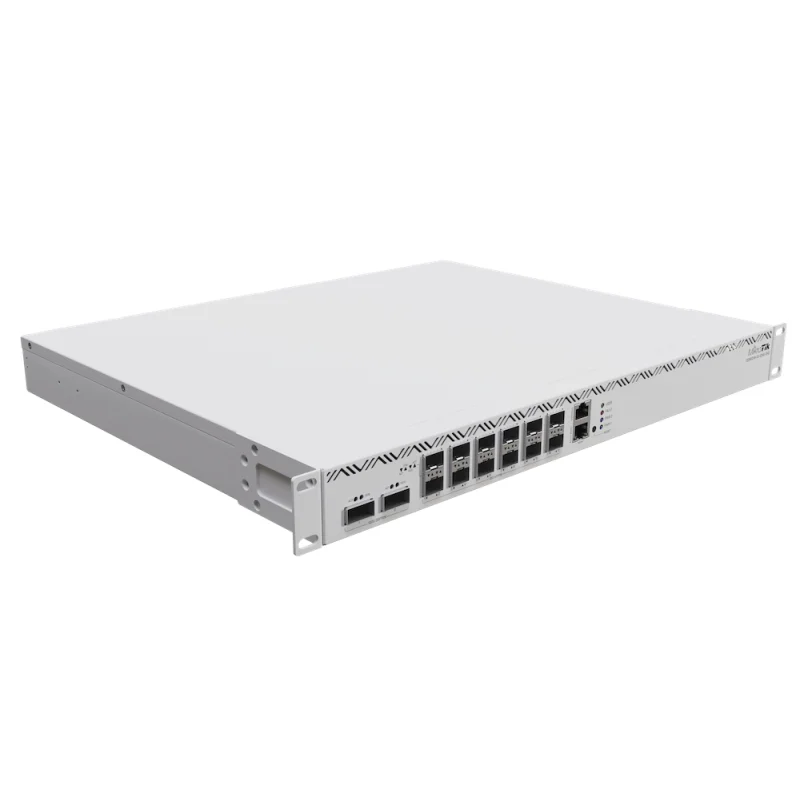
MikroTik CCR2216-1G-12XS-2XQ
25G and 100G ports with L3 hardware offload, for high-throughput routing between larger segments.
View ProductConnectivity
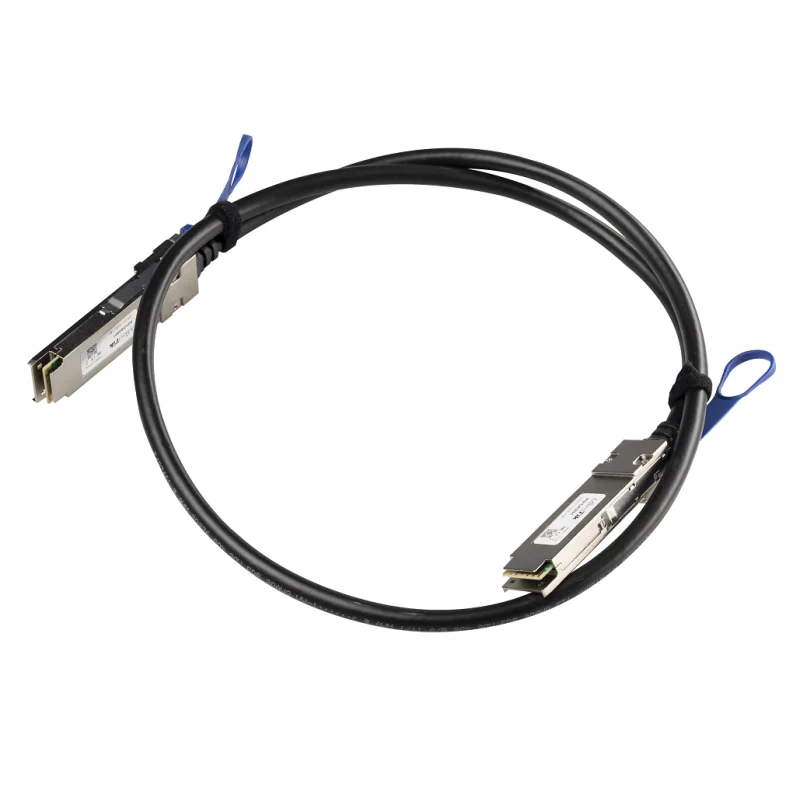
MikroTik XQ+DA0001 (1 m)
40G/100G QSFP+/QSFP28 direct-attach cable for short in-rack links between 100G ports.
View Product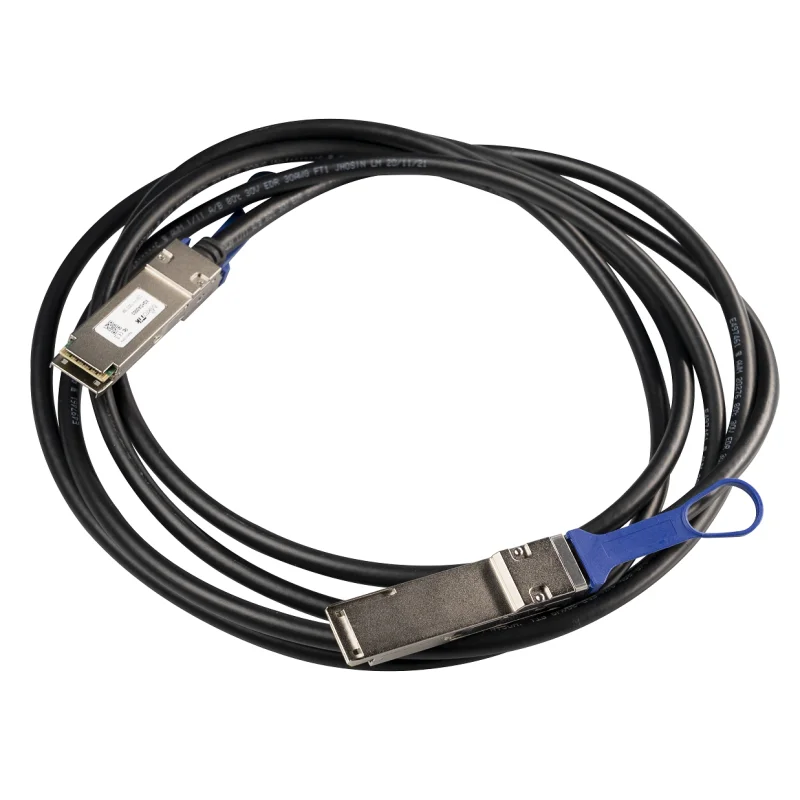
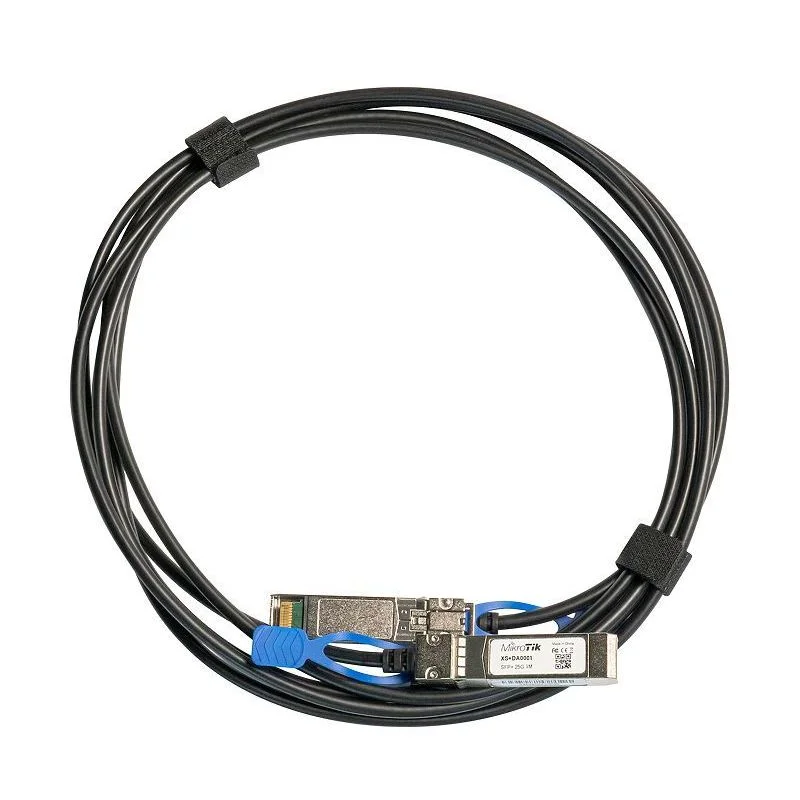
MikroTik XS+DA0001 (1 m)
1G/10G/25G SFP28 DAC for router uplinks and 25G server connections.
View ProductSYNOXX high-speed cables
Check that each cable matches the port type and speed at both ends of the link. We can confirm the right part for your design.
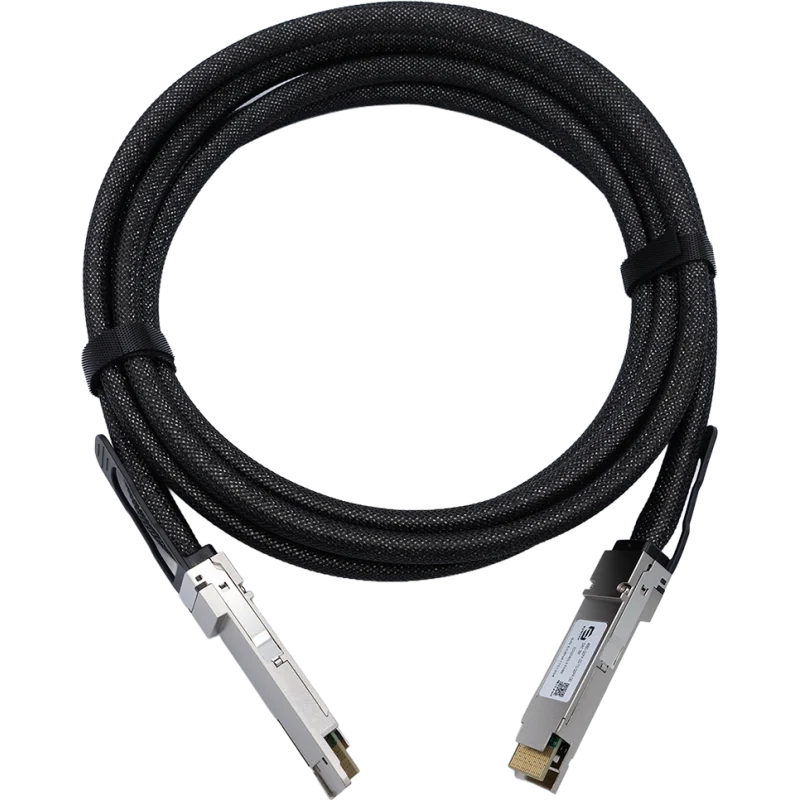
SYNOXX EDQD400-3-PAM4 (3 m)
400G QSFP-DD to QSFP-DD passive copper cable for short 400G links inside a rack.
View Product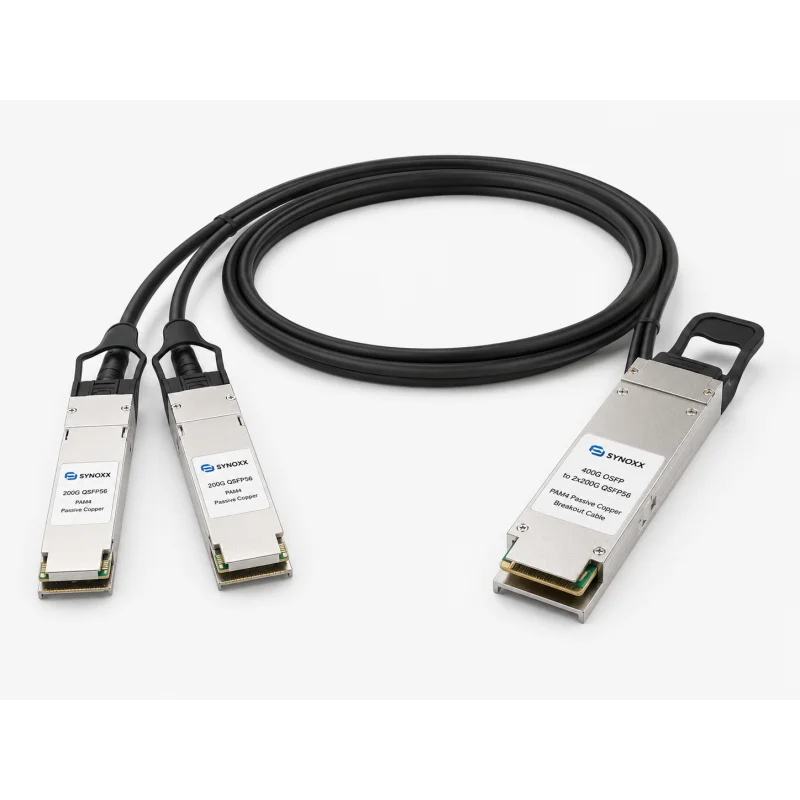
SYNOXX 400G to 2 × 200G breakout (3 m)
Splits one 400G QSFP-DD port into two 200G QSFP56 connections for mixed-speed racks.
View Product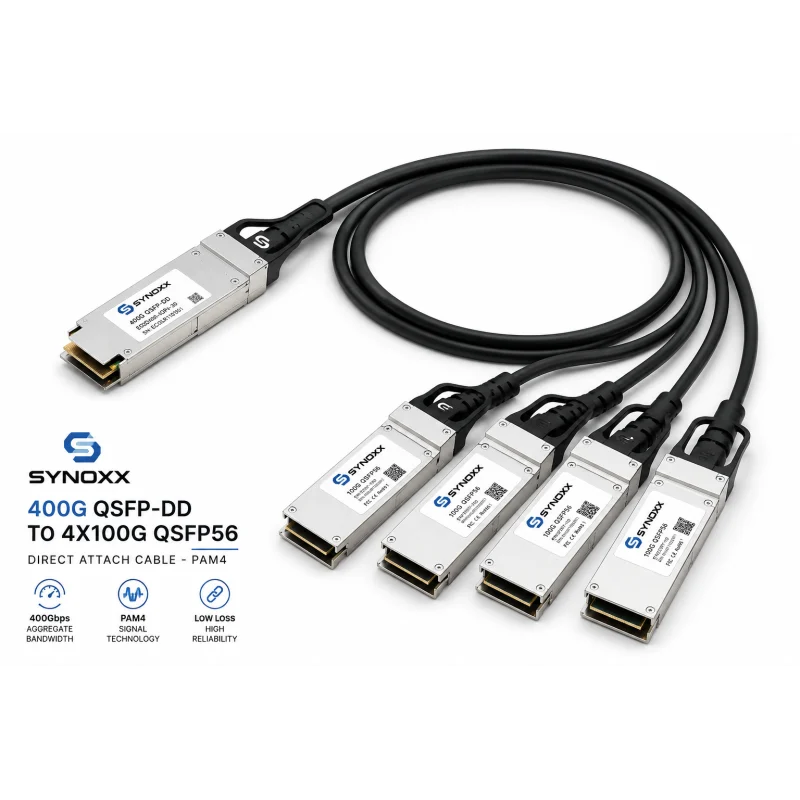
SYNOXX 400G to 4 × 100G breakout (3 m)
Splits one 400G QSFP-DD port into four 100G QSFP56 PAM4 connections.
View Product
Browse the full AI networking range
The MikroTik Canada store groups every AI networking product by link speed, including MikroTik, SYNOXX and ETU-LINK parts.
Frequently asked questions
Do I need 400G for a small AI lab?
Usually not. Start from the network cards in your systems and the traffic your workload creates. Many small labs run well at 25G or 100G. Faster links pay off when distributed training or shared storage keeps the network busy.
CRS804 DDQ or CRS812 DDQ?
Choose the CRS804 for the most 400G capacity in 1U with four QSFP56-DD ports. Choose the CRS812 when your devices run at 50G and 200G as well as 400G. Its native SFP56 and QSFP56 ports reduce the need for breakout cables.
Can I connect NVIDIA DGX Spark?
NVIDIA documents a direct 200GbE QSFP connection between two DGX Spark systems. That guide does not cover switches. Before adding a MikroTik switch, confirm the DGX Spark port type, supported cable, link speed and FEC against the switch port and mode you plan to use. We can review the proposed path with you.
DAC or optical transceiver?
DACs are simple and cost-effective for short runs inside a rack. Optics cost more but reach further, and they suit structured cabling between racks. Whichever you choose, both ends must support the same speed, lane layout and FEC.
What if a product is on backorder?
Some high-speed products are ordered on demand. Check the product page for current availability, or contact us for an up-to-date lead time before planning your deployment.
Planning an AI network in Canada?
Tell us what you are connecting, and we will help you build a practical MikroTik component list and confirm current availability. Useful details include:
- Number of systems
- NIC model and speed
- Workload type
- Storage arrangement
- Rack distances
- Redundancy needs
- Budget
- Required delivery date
Related reading: New MikroTik devices, including 400G switching · MikroTik connectivity solutions