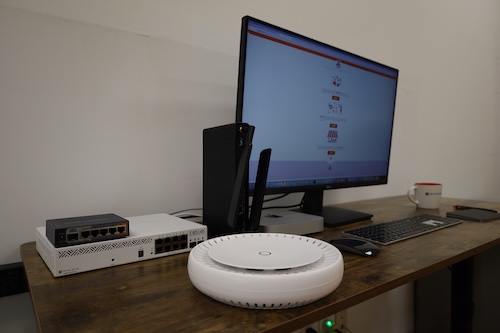
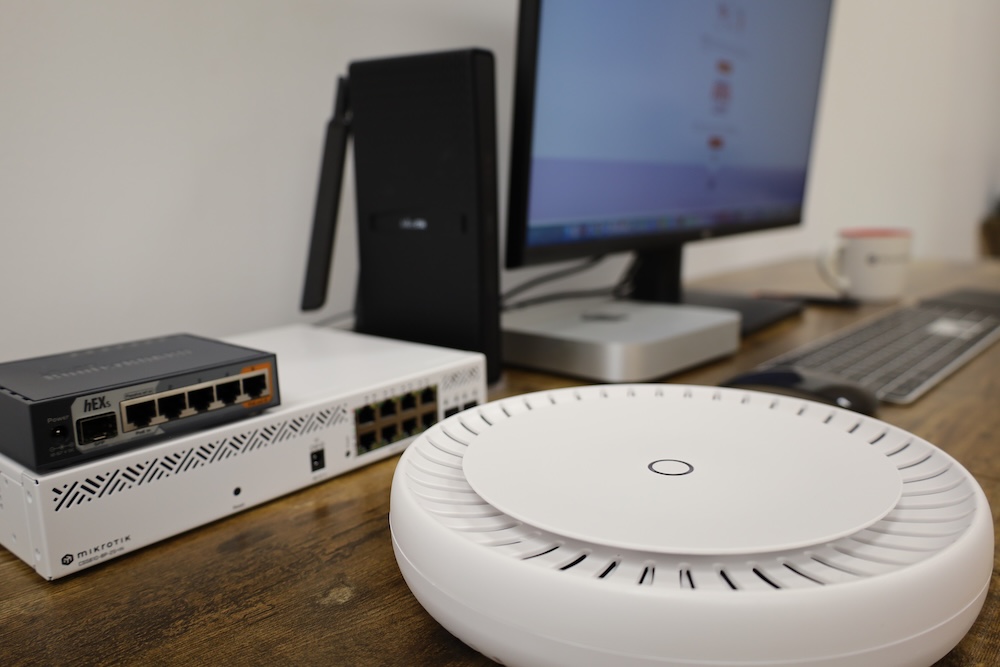
MikroTik hEX S router, 8-port PoE switch, and CAP ax Wi-Fi 6 access point on a desk beside a computer, showing a typical home network setup.
If you’re using Rogers or Bell 1 Gbps Internet and want a rock-solid home network that just works — no buffering, no dropouts — MikroTik has you covered. This guide shows you how to build a reliable, affordable home setup using MikroTik’s hAP ax³ or hEX S router, an 8-port PoE switch, and Wi-Fi 6 access points for up to 10 users. You’ll get stable wireless coverage across two floors, power for cameras and VoIP phones, and easy expansion for a 10 Gb NAS. All using professional-grade hardware and simple configuration that fits a family budget.